
Apply For Housing
We would like to introduce you to our new housing platform, Residence by Symplicity! Residence is designed to facilitate the process of signing up to live on campus! You must log in with your SPU email to gain access and will be able to review the housing agreement and housing rates within the portal. Please note that you must also submit a $250 nonrefundable housing deposit to Enrollment Services if you do not still have a housing deposit on file from previously living on campus.
You will utilize Symplicity to complete the following items:
- Submit your housing application
- Submit your housing and meal plan agreement
- Search for potential Roommates
- Request a new assignment
How to Access the Residence App
Access the Residence App directly via the Google Suite of apps.
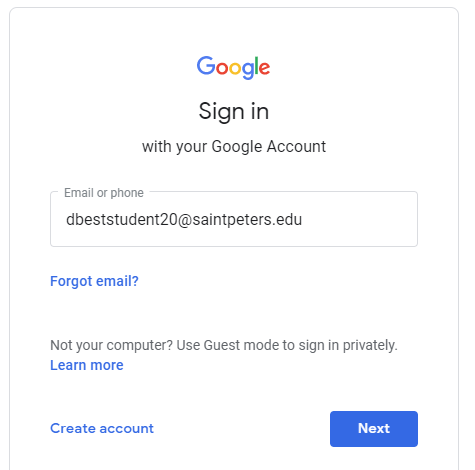
If you are prompted to do so, sign in with your Saint Peter’s Email Address.
On your Dashboard, search for the Residence tile to launch the application.
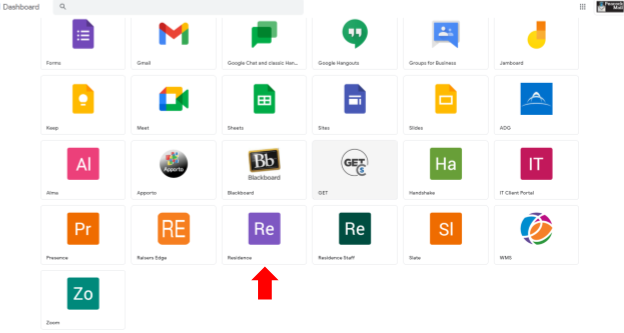
If you are already logged into your SPU Email, you can also access the Residence tile using the “Waffle” icon.
- At the upper right corner of the Gmail page, next to the peacock mail icon, you will see a “Waffle” icon with 9 dots.
- Click the “Waffle” and a drop-down menu will appear.
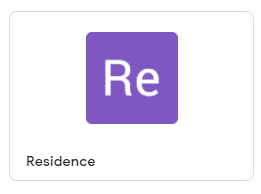
- Scroll until you see the Residence icon and click on the Residence App

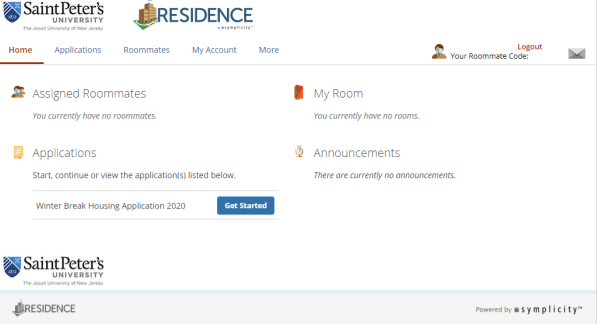
After clicking the Residence tile, you will automatically be logged into the Residence app and get the following screen:
Submit Your Application
All incoming first year, transfer, returning, commuter, and graduate students use the same application.
If you’d like to learn more about our residence halls, please see our web page: https://www.saintpeters.edu/residence-life/our-residence-halls/.
If you have any questions while navigating the system, let us know!